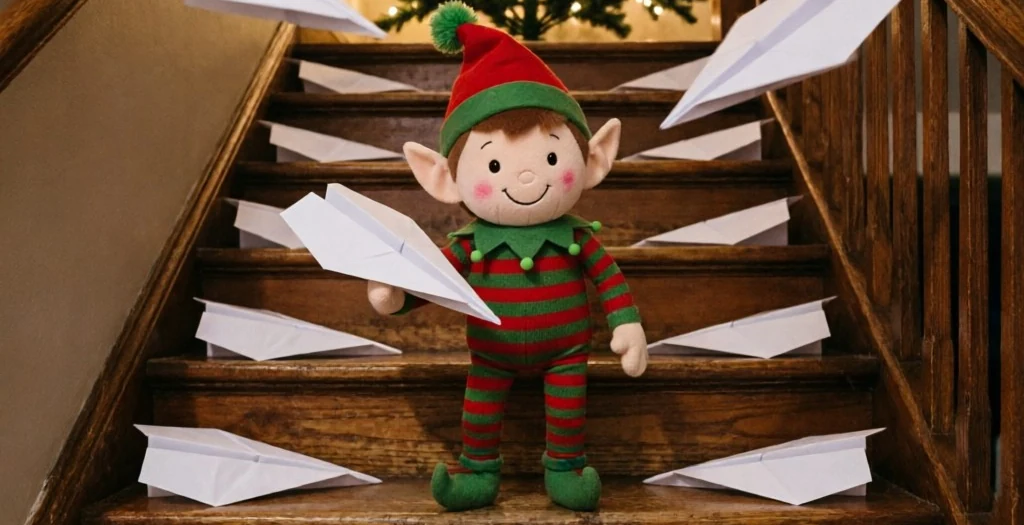
The question every parent hears
Sooner or later it comes, usually around age six, usually at breakfast: "But how do you know the elf really moves? Did anyone see it?" A photo of the elf in a new spot answers where it ended up. It says nothing about how it got there — and the how is exactly what a curious kid is asking about.
Staging a better scene only goes so far. What settles the question is proof of the trip itself: something that shows your elf in motion, overnight, in your house. That's what this guide is about.
What actually works
Video proof — built from a photo of your own elf, not a cartoon and not a stranger's elf. You upload one clear photo of the elf as it sits tonight, pick the scene, and get back a short video of that elf on its overnight rounds: 15 seconds, ready in a few minutes, no app needed.
The part that makes it land is the ending. The video's last frame is the scene your child walks into in the morning. So the order is always the same: they find the elf first, in the exact spot the video ends on — then you press play, and the screen shows how it got there. Finding first, proof second.
Step by step
1. Take tonight's photo
Once the elf is placed for the night, take one clear photo of it right where it sits. That photo is the start of the video — the elf on screen is the elf on your shelf.
2. Pick a scene
Choose what the elf gets up to: a trip across the room, a moment caught looking at the camera, a small mess in the making. Short and simple plays best — one clear piece of mischief per night.
3. Download it in the morning
The video is ready within a few minutes, so there's no late-night waiting around. Download it to your phone before the kids are up, so it's sitting there ready to play.
4. Set the scene to match the final frame
Look at the video's last frame and arrange the real scene to match it — elf in the same position, props in the same places. This two-minute step is the whole trick. When the room matches the replay, there's nothing left to argue with.
5. Play it after the find
Let them find the elf first. Then, wide-eyed: "Wait — the camera caught something last night." Play the video. Watch the question from breakfast answer itself.
Photo tips
Light
Use the light you'd normally have on in the evening — a lamp nearby is plenty. Avoid a harsh flash straight at the elf; it flattens the photo and the video built from it.
Distance
Get the whole elf in frame, with a little of the room around it. Too close and the video has nowhere to go; too far and the elf gets lost. Arm's length to a couple of steps back is the sweet spot.
Background
A plain, uncluttered background works best — a wall, a shelf, a countertop. The fewer busy patterns behind the elf, the cleaner the overnight footage looks.
The morning matters most
A video can be perfect and still fall flat if the morning scene doesn't hold up. Two rules cover almost everything.
The trace has to survive the night. Whatever the elf "leaves behind" needs to still be there, untouched, at 7 a.m. — a heart drawn in lipstick, flour footprints, a note. Anything that melts, dries out or fades by morning quietly gives the game away.
It has to read at a glance. A sleepy six-year-old should get it in one look, before coffee, before questions. One clear scene beats three clever ones. If you have to explain it, simplify it.
Questions
Does it have to be our own elf?
Yes — that's the whole idea. The video is built from a photo of the elf that lives in your house, so the elf on screen is the elf your child finds in the morning.
When do we show the video?
In the morning, after the find. Let them discover the scene first, then play the overnight video as the proof of how it got there.
What if the morning scene doesn't match the video?
Set the scene to match the video's final frame — that's the step that makes it believable. Before bed, look at the last frame and place the elf and props exactly that way.
Do I need an app?
No. Everything runs in your phone's browser — upload the photo, pick a scene, and the video is ready in a few minutes.
What does it cost?
Every video is 15 seconds and costs 100 credits. Packs are $39.99 for 500 credits in your account and the $199 Season Pass with 3,100 credits in your account for The December Nights. You can also top up credits on their own — 100 for $9.99, 500 for $39.99, or 1,000 for $69.99. If a video doesn't come out right, the 100 credits go straight back to your balance.
Tonight's the night
You've already got the elf and the phone. The photo takes a minute, the video a few more — and tomorrow morning, you have an answer ready for the hardest question of the season.
Woke up to find the elf still sitting in yesterday's spot? It happens to every parent — here are seven same-morning rescues that take under five minutes.
Every video = 100 credits · Failed renders never cost credits · See packs →